Earn your screen time.
Lckd locks the apps that distract you most and only unlocks them after you complete a quick physical or mental challenge. No willpower needed — just do the work, earn the time.
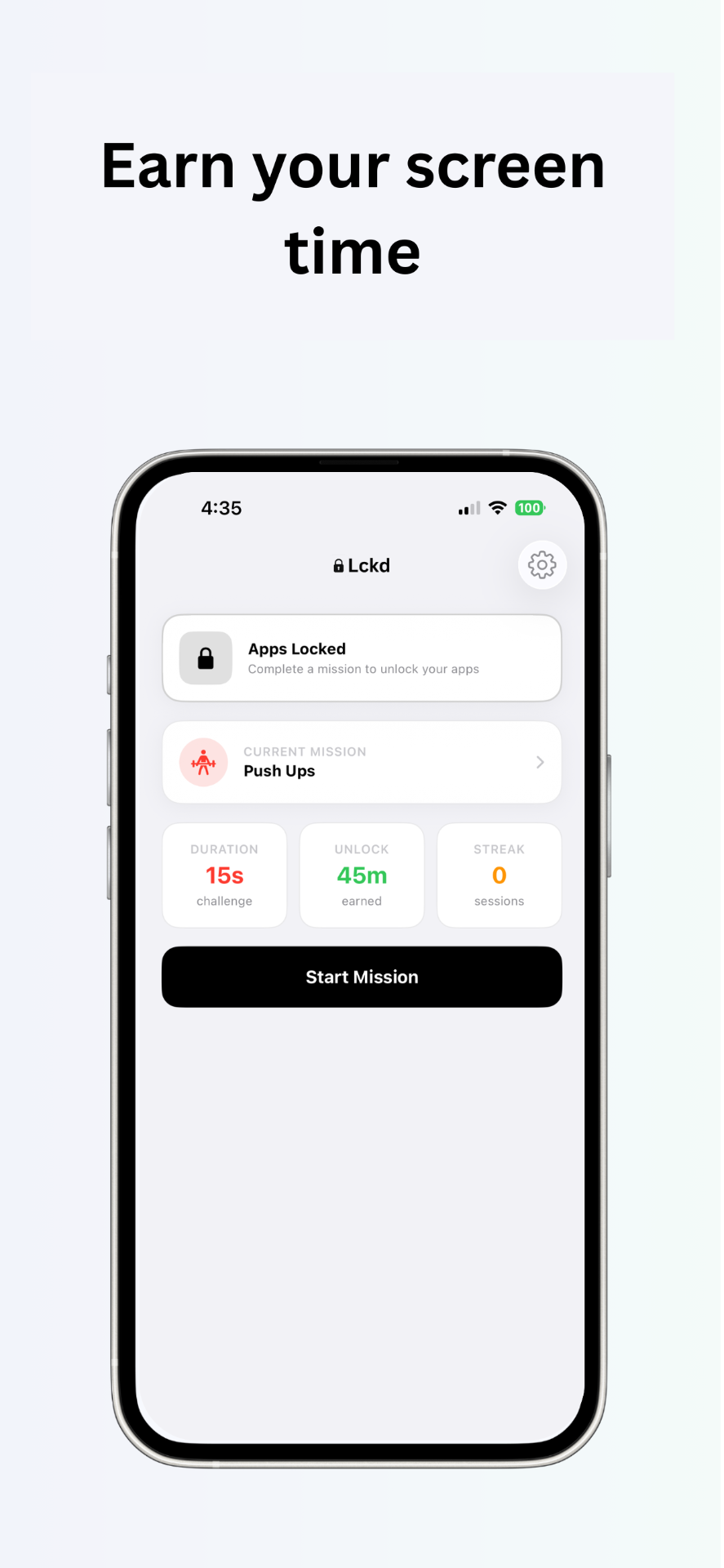
Three steps to less scrolling.
Set up in 30 seconds. Take back your phone today.
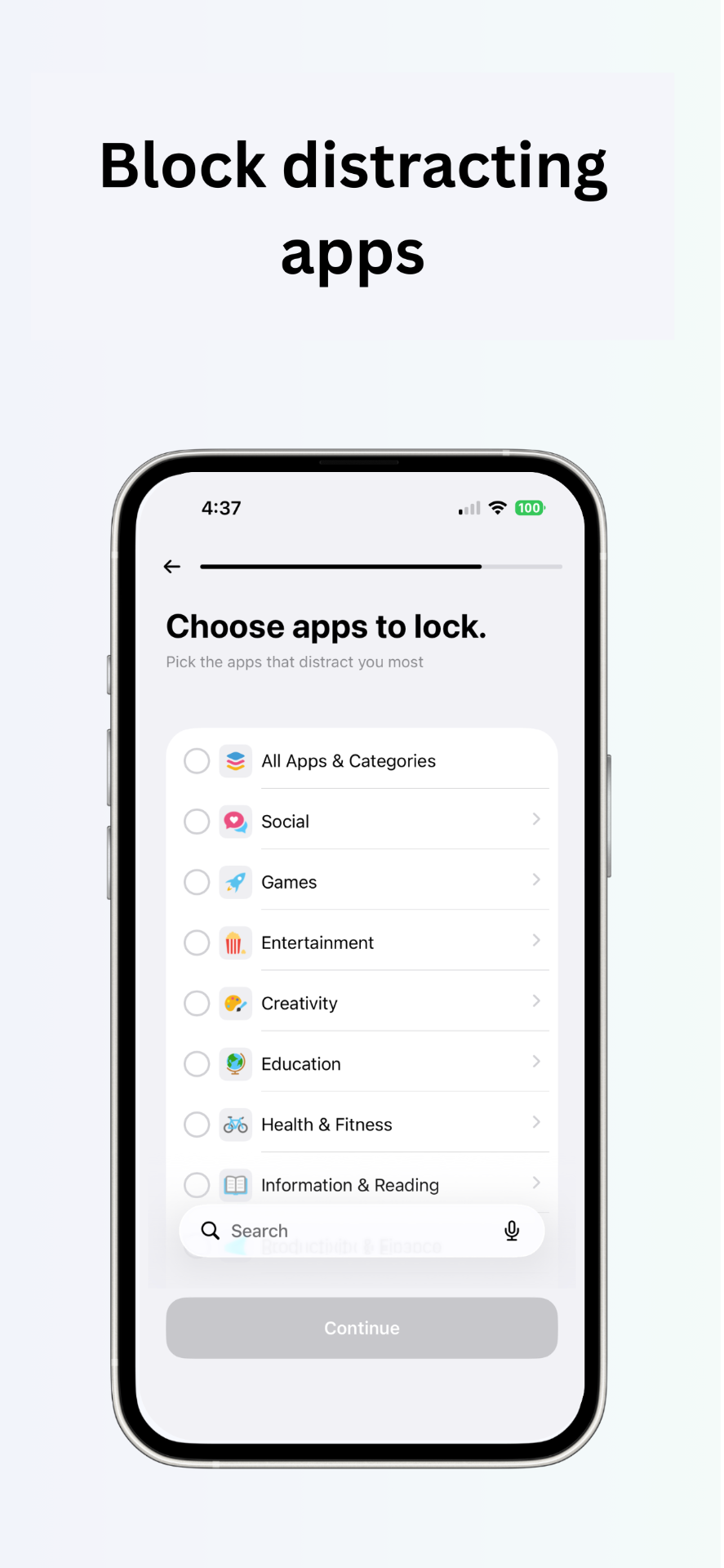
Lock your apps
Pick the apps that distract you most — social, games, entertainment. Lckd blocks them by default.
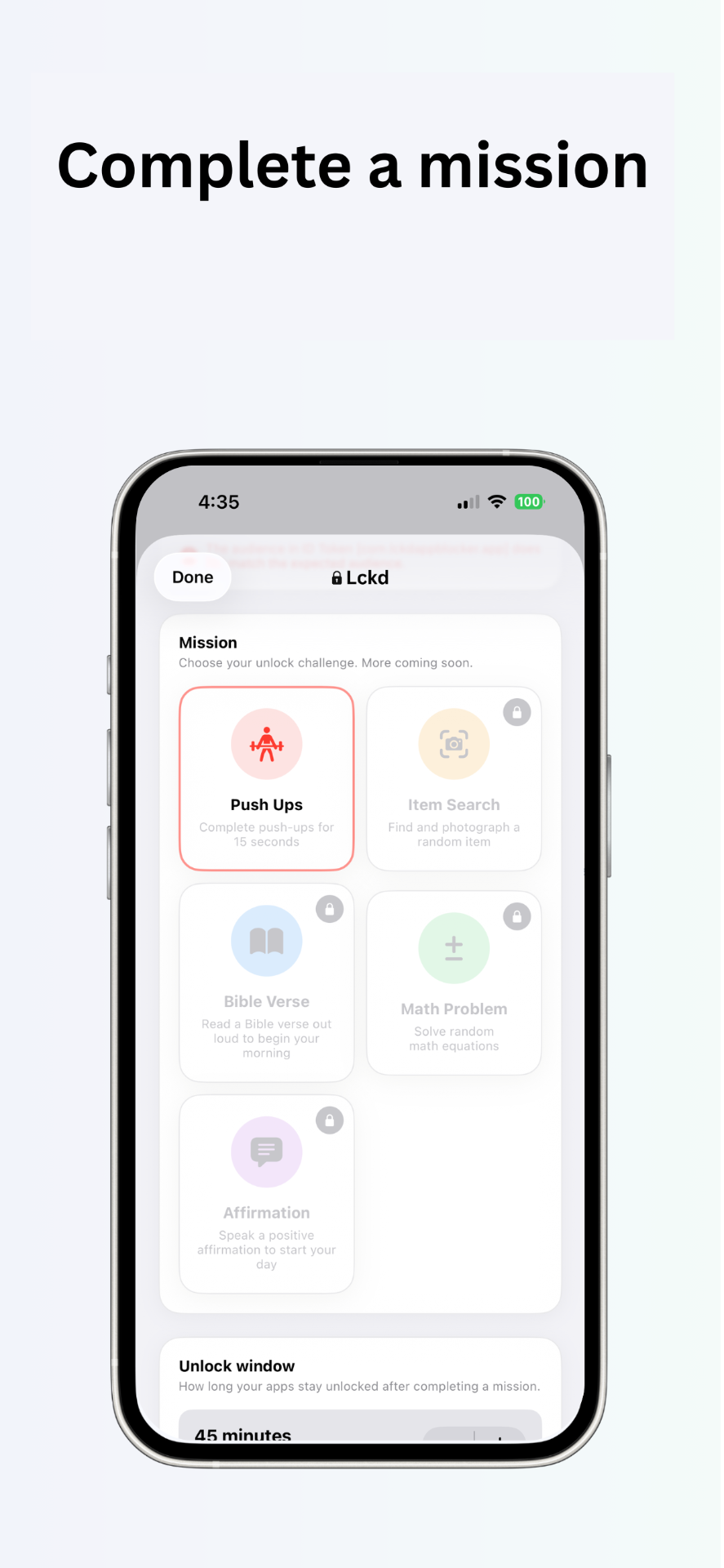
Choose your mission
Push-ups, math problems, Bible verses, affirmations. Pick what will actually break the habit.
Complete it, earn time
Camera-verified challenges unlock your apps for a set window. Then they lock again.
Built to keep you consistent.
Camera-verified push-ups
On-device AI counts your reps. No cheating from the couch.
Custom unlock windows
Earn 15 to 120 minutes of screen time per mission. You decide the reward.
Streak tracking
Build a chain of consistent sessions. Break it and start over.
Works in the background
No babysitting. Once you set it up, Lckd does the enforcing.
FAQ
How does Lckd actually block apps?+
Lckd uses Apple's Screen Time framework to lock the apps you choose. The only way past the block is to complete a mission.
How does it verify push-ups?+
Your camera + on-device AI detects and counts reps. Nothing leaves your device.
What missions are available?+
Push-ups today. Math problems, affirmations, Bible verses, and item searches coming soon.
How long do apps stay unlocked?+
You choose — anywhere from 15 to 120 minutes per completed mission.
Do I need an account?+
Sign in with Apple or email to save your streaks and progress across devices.
Your phone should work for you.
Start earning it. Download Lckd and turn your worst habits into a reason to move.
Download on the App Store